Imagine a situation where you have accidentally deleted a file, and before you can recover it, the recycle bin has already been emptied? Now, imagine an even worse situation where your hard drive has crashed, and you have lost every bit of data that you have kept for business and personal finances.
All these situations quickly create panic among people, and people frantically look for solutions that allow them to recover hard drive data. However, what people want to know is whether this is possible or not. Is it really possible to recover the data on a crashed hard drive? This article aims to tell you all about a crashed hard drive and whether recovery is possible or not.
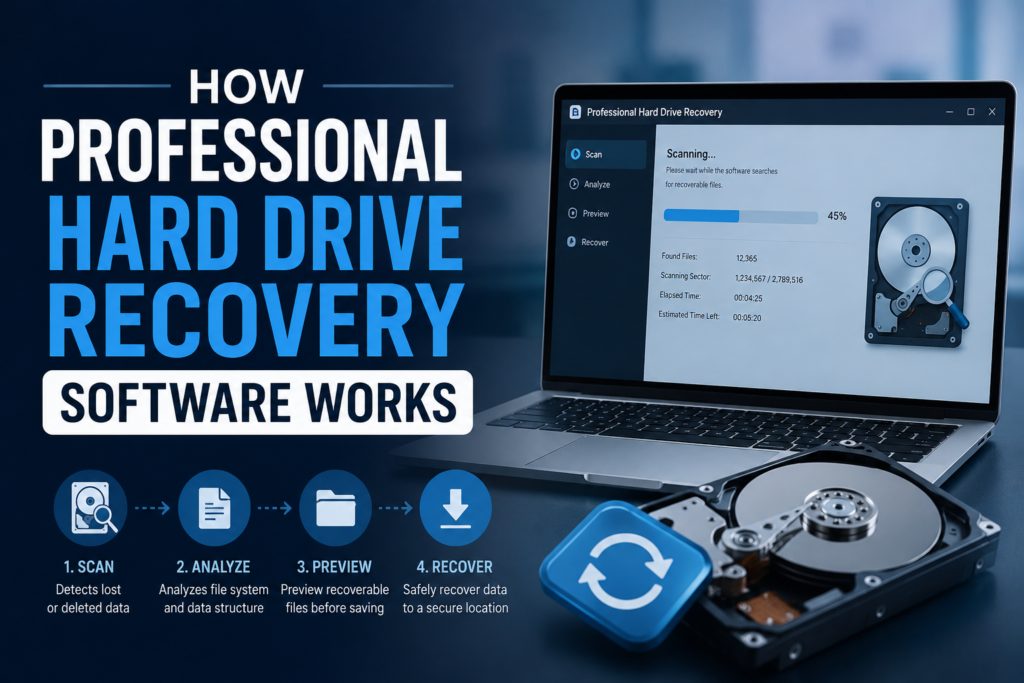
Understanding hard drive recovery software and how it works
If you have accidentally deleted or lost all your files due to a system crash, then a hard disk recovery software may assist you in recovering these files from your hard drive by looking for the data and then getting it back. When you delete a file on your device, it immediately goes to the recycle bin, from where you can recover it, but even if the recycle bin is empty, the file is still somewhere on your device.
The file remains hidden on your computer, and only the path to access it will be removed, and the space of the file will be assigned to other files. If the operating system has not allocated this space to any other file, then the file can also stay on your hard drive for years.
Is it possible for people to recover a damaged hard drive?
Now, the bigger question is how to recover crashed hard drive. The answer to this question depends on a number of different things, so let’s explore these things in detail.
The first thing you need to know is the way HDDS operate. A simple hard disk has a number of different storage spaces, known as sectors. Even if one sector on the drive is damaged, you can refer to that sector as the bad sector.
However, you can stay assured that the data on your good sectors will not be compromised during the repair process. You can also create a new backup without the bad sectors to preserve data.
Let’s talk about fixing soft bad sectors. You’ve got a few options to handle them yourself, but if your hard drive is riddled with these problems, don’t waste your time; sometimes, there’s just no saving it. One quick way to figure out how much trouble you’re in is to pay attention to how your computer acts.
If things slow to a crawl, programs get glitchy, or your screen just freezes out of nowhere, stop what you’re doing and back up your important files right away. Bad sectors can eat your data before you realize it. But if your system runs mostly fine and you’re just having trouble opening a few files, chances are, you’re only dealing with a handful of bad sectors- not a complete disaster.
Notchox is an excellent Data Recovery Software that people can use to recover their lost data. Go to Notchox.com and download now.